Download all Joomla templates including quickstart (demo)only $29
👋 All our products will be compatible with Joomla 6 😎

Forum

Important - Hands Up!

- Please ask using the account with which you made the purchase or download of our products and in its respective category.
- If you bought our products in another market, ask your questions in that market, not here.

* ADD PRODUCT NAME IN START OF SUBJET

Sombra - editing/inserting images

  • M
  • Mariusz New Member
  • Topic Author 15 hours 3 minutes ago #1
Hello,
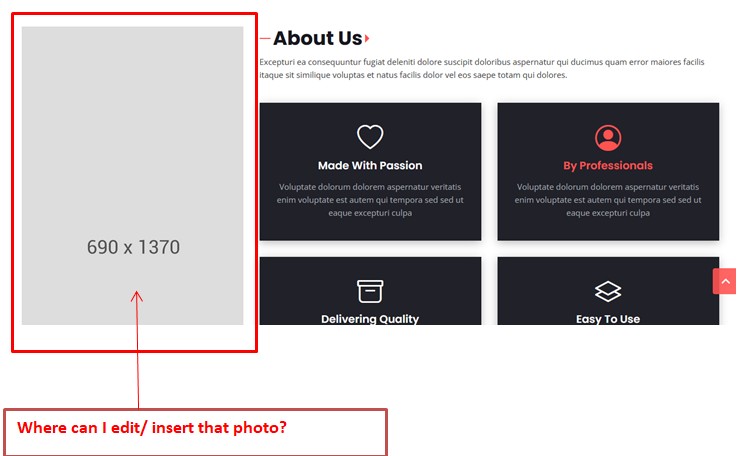
Where can I edit/insert that image? I thought I could that within PageBuilder in section but it doesn't work in this way...   

Please Log in or Create an account to join the conversation.

  • L
  • leoalv Moderator
  • 14 hours 18 minutes ago #2
Yes, in SP Page Builder, that image is a column background image. Therefore, to change it, you need to edit the column options.
Regards.

Please Log in or Create an account to join the conversation.

78,414+
Happy customers guarantee our Templates and Extensions