Download all Joomla templates including quickstart (demo)only $29
👋 All our products will be compatible with Joomla 6 😎
Important - Hands Up!

- Please ask using the account with which you made the purchase or download of our products and in its respective category.
- If you bought our products in another market, ask your questions in that market, not here.

* ADD PRODUCT NAME IN START OF SUBJET

Little - bug

  • D
  • delphine resch New Member
  • Topic Author 18 hours 48 minutes ago #1
Ok, I am getting seriously pissed with this template to be honest.

As indicated, I used the quickstart to reinstall all of it. From them and the user manual, I was able to start learning properly how to moev things around in SP Page Builder.

Now, I spent a good three hours finding the right size for my pictures so that it looks pretty good. 
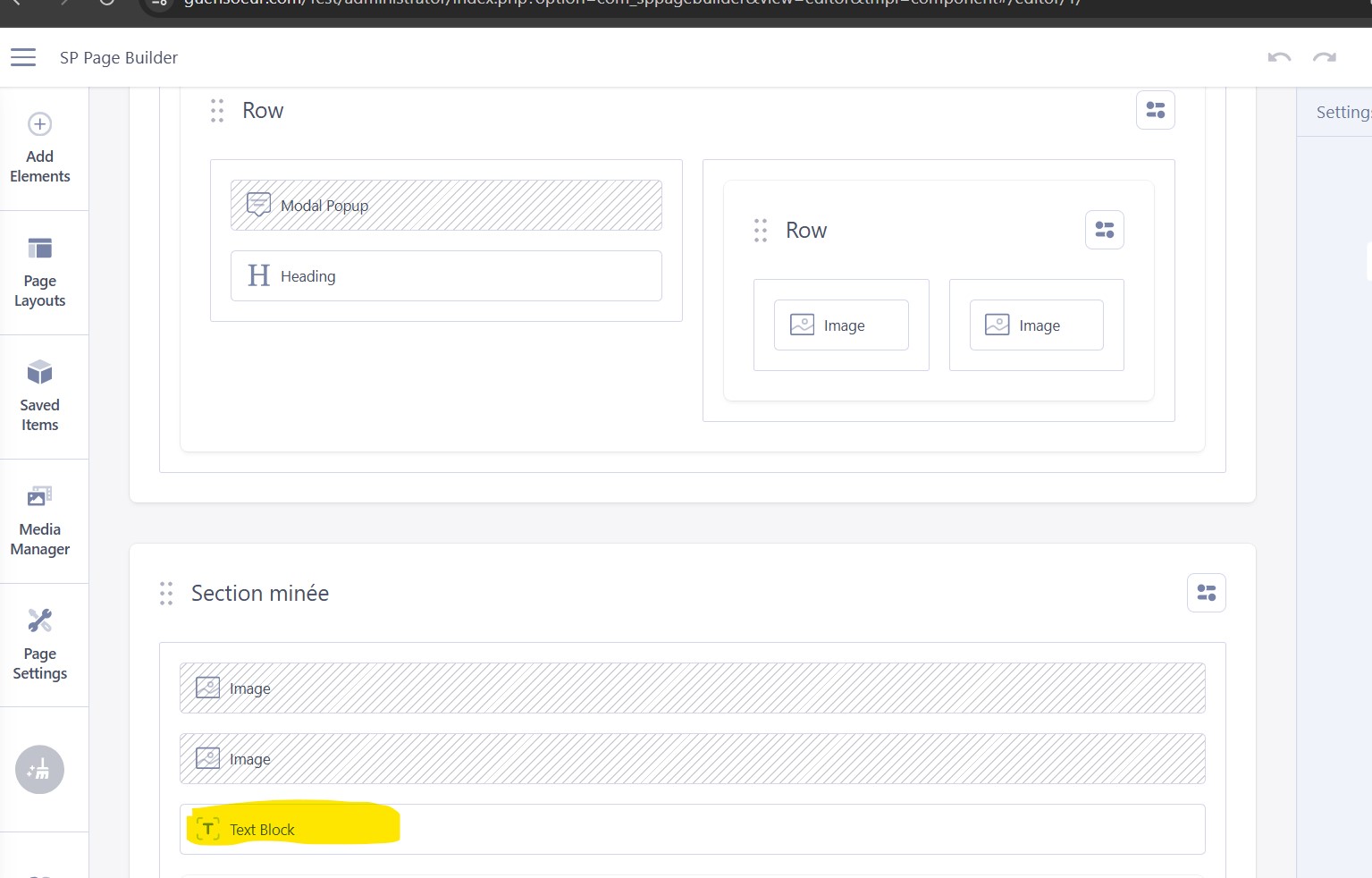
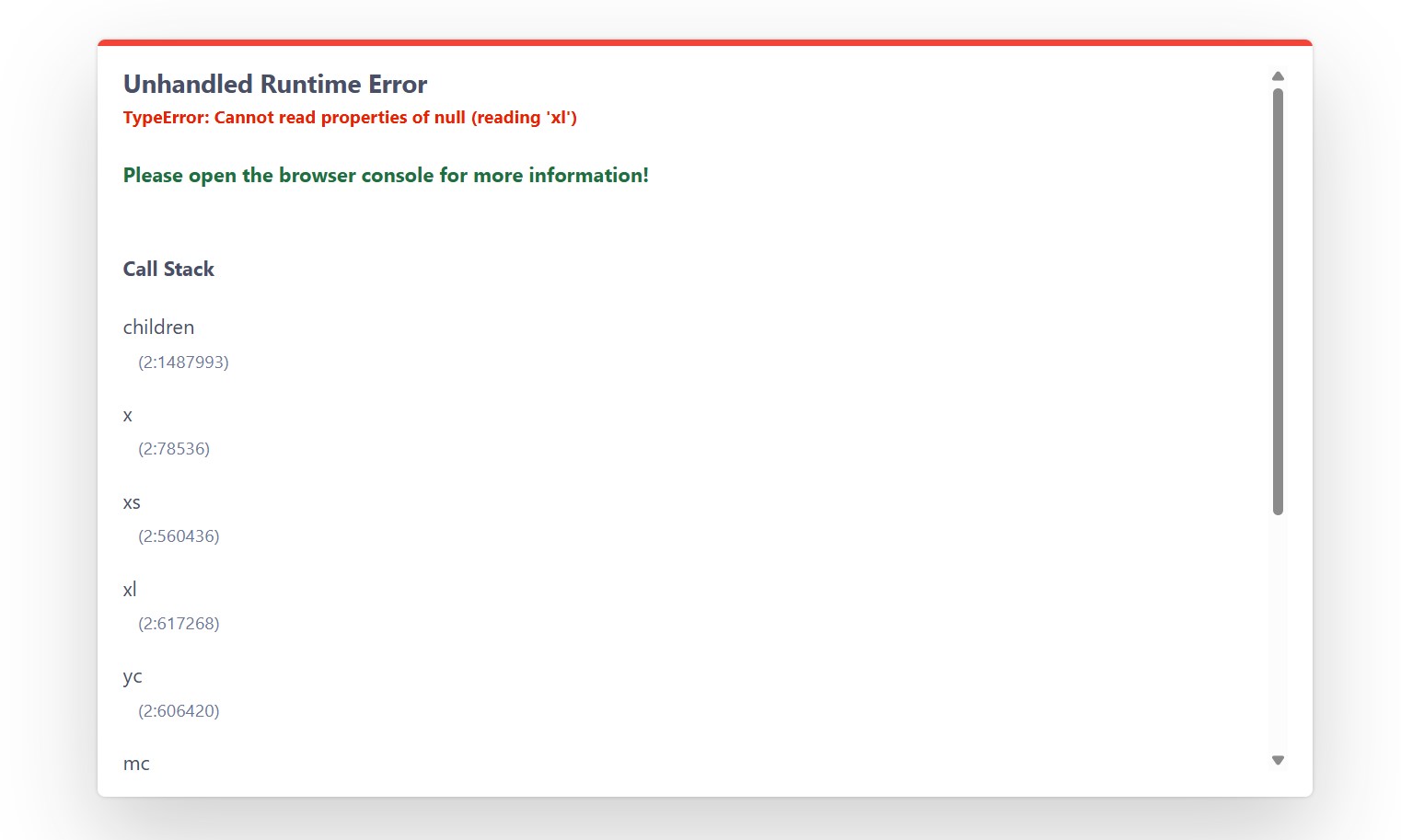
On to the next row of the Home page. And then I get an error each time I click on the text. - picture attached.

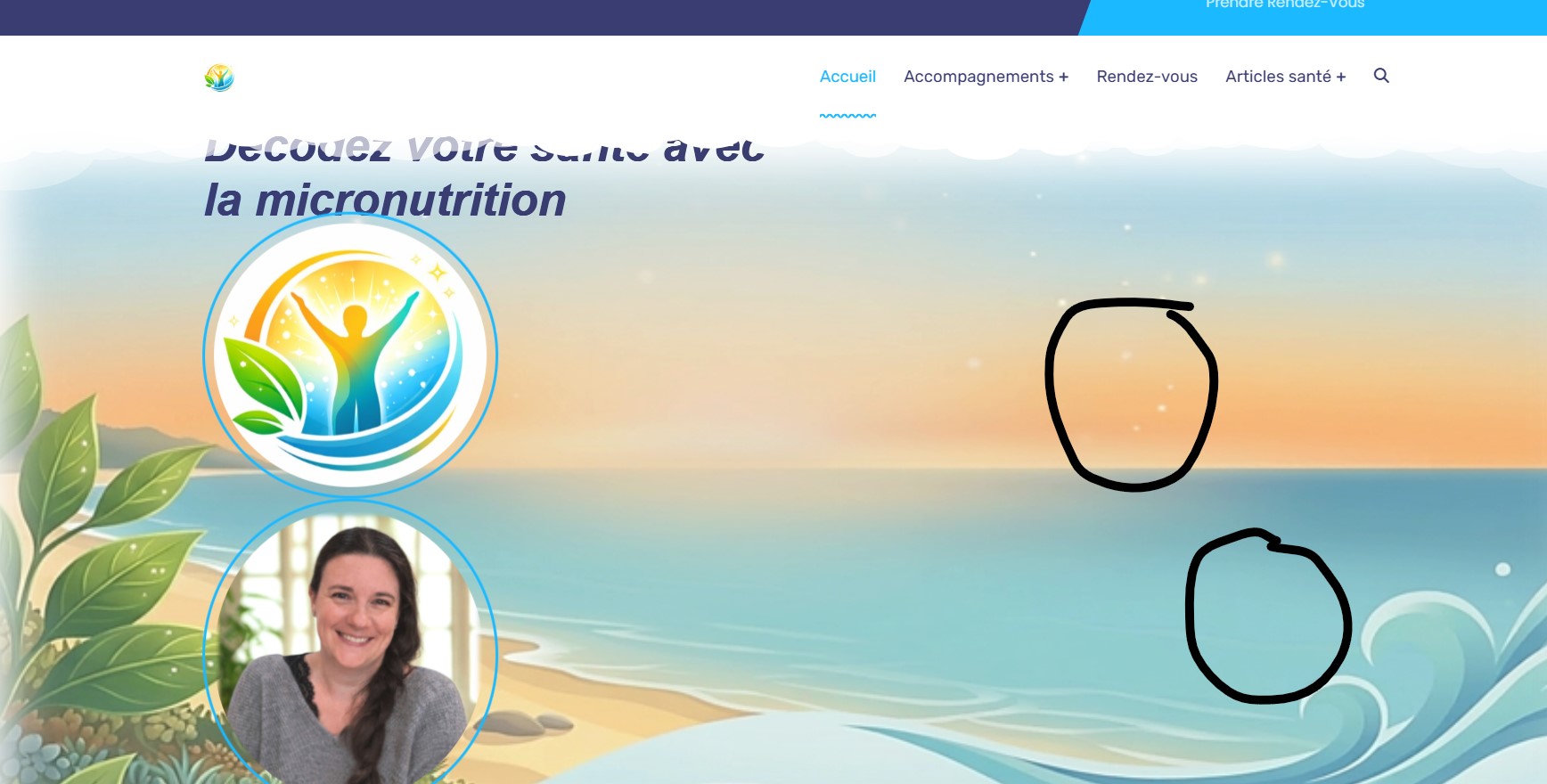
Thinking ok, no problem, I'll just hide that section and add a new one instead, it messed up the ful top of my webpage! I tried to revert to the original layout, but the webpage still doesn't get fixed. It doesn't make sense to me! Attached the picture of where my original pictures were as opposed to now.
Last picture if the section where one must never click :D


If anyone can help, I'll be grateful because I'm going bonkers.

Thanks

 
Attachments:

Please Log in or Create an account to join the conversation.

  • L
  • leoalv Moderator
  • 14 hours 29 minutes ago #2
Hello again.

In this case, it's not a template error or bug, but rather an issue with SP Page Builder. This error only appeared when we added dynamic content, so the question is: have you added dynamic content?

Can you try using the frontend (live) editor, or does the error appear there as well?

They've released a version that fixes several bugs; you can download it from here: we.tl/t-TLX0BHl0W8 . Perhaps this bug has already been fixed.

Regarding the images: the quickstart comes with placeholders that are the correct size for the images.

If the error message appears when you click on an add-on, check the JSON before clicking. To do this, in the top bar of the backend or frontend editor, there's a button with three dots. Click it, and then click "Check Content." If it's a JSON problem, it will be resolved.

For more complex solutions, we will be in the office tomorrow from 9:00 AM Peru time.

Regards

Please Log in or Create an account to join the conversation.

77,693+
Happy customers guarantee our Templates and Extensions

Secure Payment

Use your cards with Paypal.


Â