
Forum
Important - Hands Up!
- Please ask using the account with which you made the purchase or download of our products and in its respective category.
* ADD PRODUCT NAME IN START OF SUBJET
GOODNEWS - Author Bio and Article Ratings
- Q
- QliQ New Member
- Topic Author 9 months 1 day ago #1
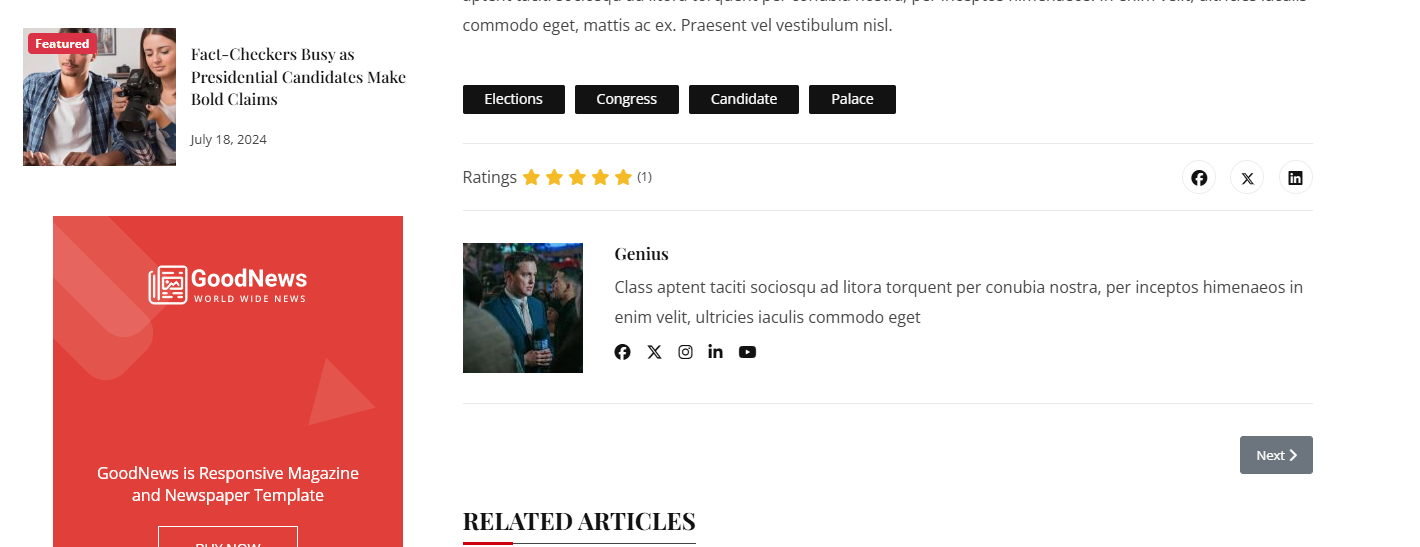
- How can the we edit and assign different author bio text to diffrenet users? I have checked with the author component but I did not see any position to edit the Author Bio Text
- Where can we manage and review the user ratings for the articles?
Thank you in advance
Please Log in or Create an account to join the conversation.
- L
- leoalv Moderator
- 8 months 4 weeks ago #2
In Joomla Core, there isn't a built-in component or section for managing ratings. You can enable and disable them by going to System >> Manage >> Plugins and finding Vote. This is the plugin that enables article ratings.
Regards
Please Log in or Create an account to join the conversation.
- Q
- QliQ New Member
- Topic Author 8 months 4 weeks ago #3
Could you also please advise on how to control the image of the author?
Thank you
Please Log in or Create an account to join the conversation.
- L
- leoalv Moderator
- 8 months 4 weeks ago #4
To change each author's image, edit the contact (the contact must have the real name, as suggested in the demo) and select the image. From the Display tab, you can add social media links if you wish; otherwise, remove the social media icon classes that come with the demo. Finally, your authors will appear on a page like this: demo.unitemplates.com/goodnews/index.php/authors . When you access each author's page, you'll see their details and articles.
Regards
Please Log in or Create an account to join the conversation.
- Q
- QliQ New Member
- Topic Author 8 months 4 weeks ago #5

1. The image is not changing. The existing images are linked to an external site e.g. www.gravatar.com/avatar/8a0d78e21fd3bb87...120&d=identicon&r=PG
2. The Author page seems to be fine. I have used the existing contacts and linked them to newly created users.
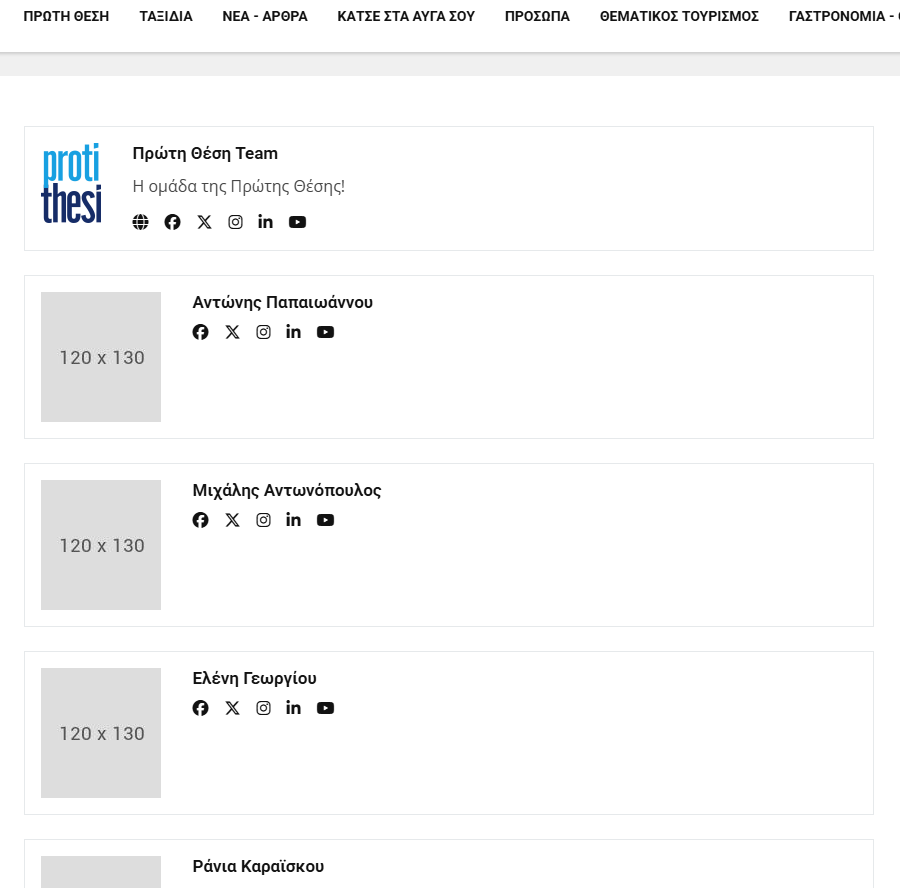
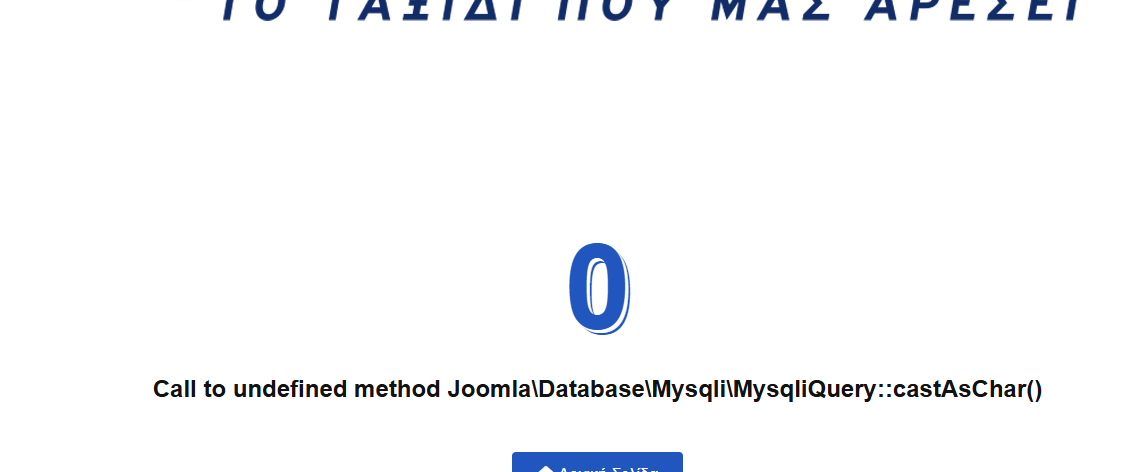
However when the name of an author is clicked, instead of a list with the author's articles, we get an error page.
Thank you for your support
Please Log in or Create an account to join the conversation.
- L
- leoalv Moderator
- 8 months 3 weeks ago #6
To verify the author page, please send us the URL and login details as confidential information.
Regards
Please Log in or Create an account to join the conversation.
- Q
- QliQ New Member
- Topic Author 8 months 3 weeks ago #7
Kind regards
Please Log in or Create an account to join the conversation.
- L
- leoalv Moderator
- 8 months 3 weeks ago #8
We've fixed the error on the author details page. The author's articles are now visible. This fix will be included in the next version. The problem was that you updated to Joomla 6, and Joomla 6 apparently removed the `castAsChar` method. Since the template doesn't yet have an official version compatible with Joomla 6, it was generating the error.
Regards
Please Log in or Create an account to join the conversation.
- Q
- QliQ New Member
- Topic Author 8 months 3 weeks ago #9
Did you get the chance to also check out the issue with the author image on the article page?
The Author image is linked to an image from an external third party website: www.gravatar.com/avatar/8a0d78e21fd3bb87...120&d=identicon&r=PG
The changed Author image shows fine on the Author page:
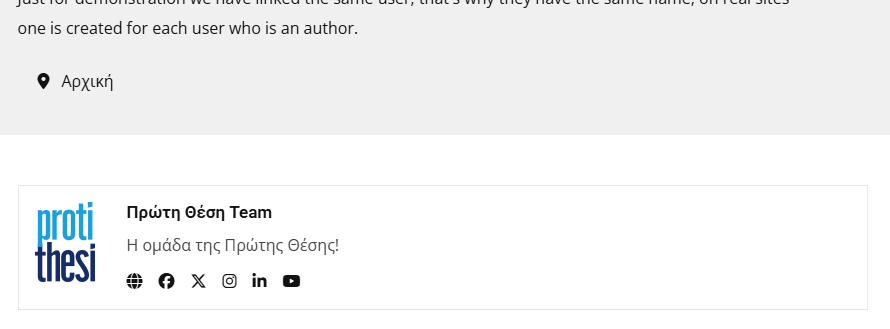
However at the bottom of the same author's article page it shows an non related random gravatar image
Alll other info appears correctly as inputed in the various user edit fields

I have checked with the SP Page builder Profile plugin and it is enabled and is supposed to enable the upload of Profile images.
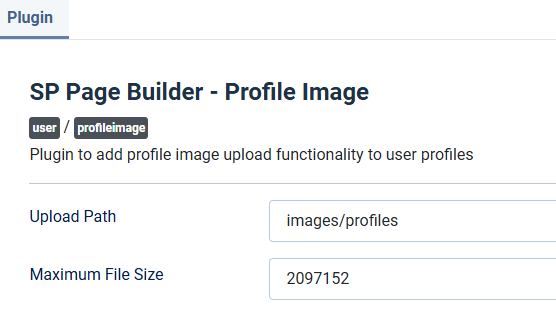
Thank you for you support
Please Log in or Create an account to join the conversation.
- L
- leoalv Moderator
- 8 months 3 weeks ago #10
In this case, the SP Page Builder plugin is unrelated.
Regards
Please Log in or Create an account to join the conversation.
- Q
- QliQ New Member
- Topic Author 8 months 3 weeks ago #11
Kind regards
Michael
Please Log in or Create an account to join the conversation.
Secure Payment
Use your cards with Paypal.